TL;DR: The right Slido alternative depends on your audience and how often you present:
- Slideasy works for presenters who want unlimited participants on every plan and month-to-month billing.
- Mentimeter is worth a look if you regularly import slide decks.
- AhaSlides offers flexible options for smaller budgets and one-off events.
- Poll Everywhere suits groups of up to 700, while Kahoot! is built around game-style quizzes.
It's the night before a workshop. The slides are ready, the questions are written, and then you go to add one more poll. Slido stops you at three.
That kind of last-minute snag is one reason presenters search for a Slido alternative. Slido's free Basic plan includes 100 participants, three polls, and one quiz per event. Paid plans raise those limits, but the options are sold annually or as one-time event passes.
I'm Glauber, and I built Slideasy after running into limits like these more than once. The point of turning a one-way talk into a real conversation is to hear from the people in the room, not spend the session worrying about how many of them have joined.
This guide compares five Slido alternatives in 2026, with participant limits, pricing, billing, and the types of sessions each tool suits.
Why are presenters looking for a Slido alternative in 2026?
Usually, it comes down to three practical questions: How many people will join? How many interactions will the session need? And does the billing make sense for the number of times you present?
The free plan runs out mid-session
Three polls might be enough for a short check-in. For a 90-minute workshop where you want to get audience input every ten minutes, it feels tight.
Slido's support team suggests creating a new event for each presentation to reset the poll count. It works, but each new event also means another join code to share.
Audience size is hard to predict
Slido's paid tiers cover up to 200, 1,000, or 5,000 participants. Choosing a plan is straightforward when you're presenting to a team of 12. It's less so for a company town hall where attendance changes from one quarter to the next, or a conference session with an unpredictable crowd.
Annual billing doesn't suit every calendar
Slido offers annual subscriptions and one-time event plans, rather than month-to-month billing. That's fine for presenters who use it throughout the year.
If you run four large sessions annually, though, paying for all twelve months is harder to justify.
Our side-by-side comparison of Slideasy and Slido lays out the differences as plans and prices change.
What should you look for in a Slido alternative?
Before switching, check five things: how the participant limit works, which question types are included, how people join, how billing works, and whether responses are anonymous. These details shape the experience far more than a long list of features.
How is the participant limit counted?
Tools don't all count participants the same way, and the label matters as much as the number.
| How the limit is counted | What it means for you |
|---|---|
| Per event | Each event or room has its own cap. A new event starts a fresh count. |
| Per month | Everyone who joins your sessions during the month contributes to one shared total. |
| Per session | Each live session has a separate limit, sometimes with a time restriction as well. |
| Unlimited | There's no participant cap; anyone with the link is able to join. |
A monthly allowance looks generous until you present every week. An event-based cap, on the other hand, might push you to split a presentation across multiple events.
Which question types will you actually use?
Think about your last two or three sessions. If most of them involved a quick poll and a few questions at the end, start there. A live word cloud is also a useful way to get a read on the room: ask one open question and watch common answers appear on screen.
Scored quizzes are handy in classrooms and training, but not every presenter needs them. Choose formats that support the session rather than paying for a long feature list you rarely touch.
Is joining simple?
Every extra step gives someone another reason not to participate. Look for a link or QR code that opens in a phone browser, with no app download or account creation required. In a packed room, even a short sign-up form often means fewer responses.
Does billing fit your schedule?
Some tools bill annually, some offer monthly plans, and others sell one-off event passes. A few charge per presenter, which adds up when several colleagues need accounts. Match the plan to your calendar, and check the total cost rather than judging it by the lowest advertised monthly price.
Will people answer anonymously?
People don't always speak up when their name is attached to a response. In a well-known study, researchers Milliken, Morrison, and Hewlin found that most employees they interviewed had kept quiet about a workplace concern, often because they worried about how others would perceive them.
A tool with anonymous Q&A and question upvotes gives quieter participants another way to contribute.
Our guide to collecting honest employee feedback in meetings goes further into gathering that feedback and following up on it.
Best Slido alternatives at a glance
| Tool | Best for | Free plan limit | Paid plan from | Billing | Audience on entry paid plan |
|---|---|---|---|---|---|
| Slideasy | Unlimited participants on every plan | Unlimited participants, 3 interactive slides, unlimited presentations | $9.99/month | Monthly, cancel anytime | Unlimited |
| Mentimeter | Frequent presenters who import slides | 50 participants per month, plus 1 session a month with no cap | Basic, priced per presenter | Yearly only | Unlimited |
| AhaSlides | Small budgets and one-off events | 50 participants, 5 quiz and 3 poll slides per presentation | $7.95/month billed yearly | Monthly, yearly, or 24-hour event pass | Varies by plan |
| Poll Everywhere | Classes and talks under 700 | 40 audience members (700 for your first 30 days) | $10/month, billed yearly | Yearly on Present; monthly also on higher plans | 700 |
| Kahoot! 360 | Game-style quizzes and training | 15 participants, 15-minute sessions | $19/month, billed yearly | Yearly, or event plans from $199 | 50 |
1. Slideasy: best for unlimited participants on every plan
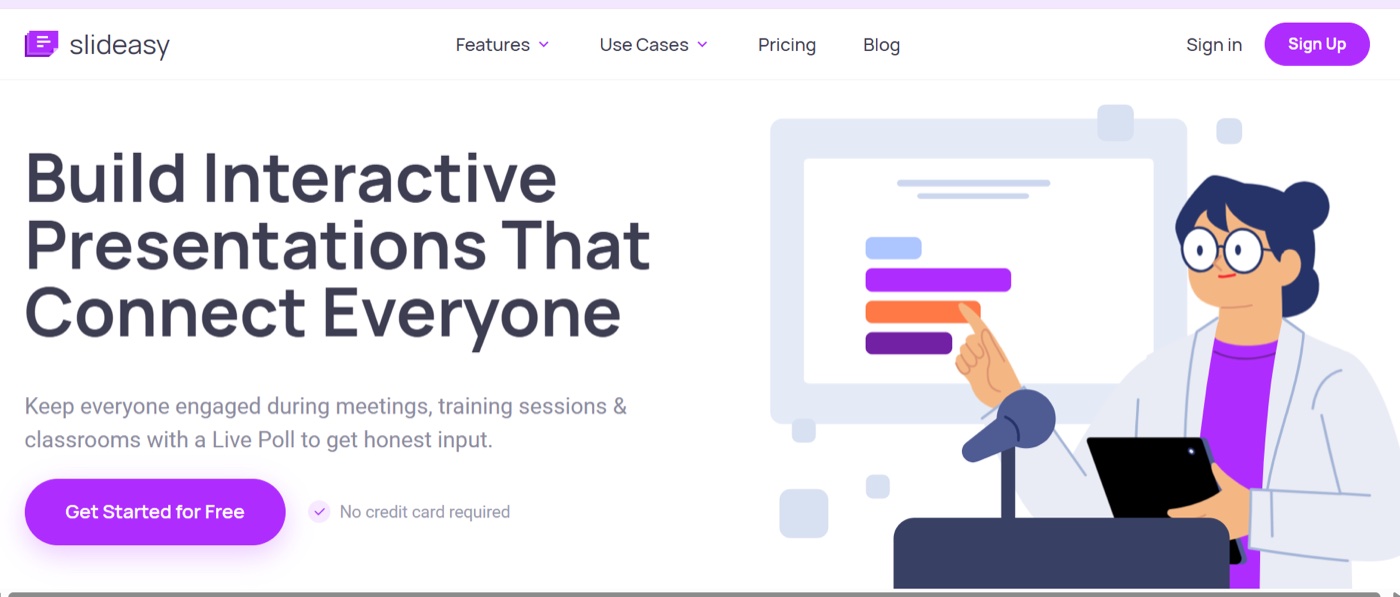
Slideasy is an interactive presentation tool that runs in your browser. Create your slides and audience questions in one place, share a link or QR code, and watch responses appear as people answer. Every plan, including the free one, has unlimited participants. Premium costs $9.99 per month, with no annual commitment.
Why I built Slideasy this way
I wanted the size of the room to stop deciding which plan people need. A retro with eight people and a keynote with 2,000 should work the same way: one link, no participant cap, and a straightforward price.
Getting started takes about two minutes. The audience scans a QR code or opens a link in a browser. No downloads, no account creation.
Seven interactive features
| Feature | What it does | Good for |
|---|---|---|
| Live Poll | Collects quick votes, with results updating as people respond | Fast decisions and icebreakers |
| Word Cloud | Makes common words from open responses appear larger in real time | Opening a session and spotting themes |
| Q&A | Lets people ask questions anonymously and upvote the ones they want answered | Town halls and panels |
| Multiple Choice | Gives people a set of answers to choose from, with live results | Knowledge checks and setting priorities |
| Image Polls | Lets the audience vote on pictures rather than text | Logo ideas and visual quizzes |
| Sliders & Scales | Collects ratings on a custom range and shows a live average | Confidence checks and satisfaction scores |
| Online Surveys | Combines question types for feedback during or after a session | Post-event feedback and deeper input |
A live poll that updates as people vote is a natural place to start, whether for meetings or the classroom. For questions where pictures say more than words, image polls let people choose between logo options or product photos. And when a yes-or-no answer feels too blunt, sliders and scales show how strongly people feel about a statement.
Mix those activities with open-text questions and regular text or image slides, keeping the presentation in one place. Anonymous mode is available across question types, and you decide how long a question stays open.
Pricing and billing
The free plan includes three interactive slides, unlimited presentations, and unlimited participants. No credit card is required. Premium gives you unlimited interactive slides for $9.99 per month, and you can cancel anytime. See the Slideasy pricing section for the current plan details.
Monthly billing is useful when you only present during certain parts of the year. If you need Premium for four months, for example, that's $39.96 in total. You aren't paying for months when no sessions are planned.
Who is Slideasy best for?
Slideasy fits sessions where attendance is large or hard to predict, from all-hands meetings and school assemblies to conference sessions with changing audiences.
It's also a practical option for teams that want regular, honest input and presenters who only need paid features during their busy months.
Because Slideasy runs in a browser, you can share the presentation in a meeting room or over Zoom and Teams. Participants join on their own phones and see results update live.
2. Mentimeter: best for frequent presenters who import slides
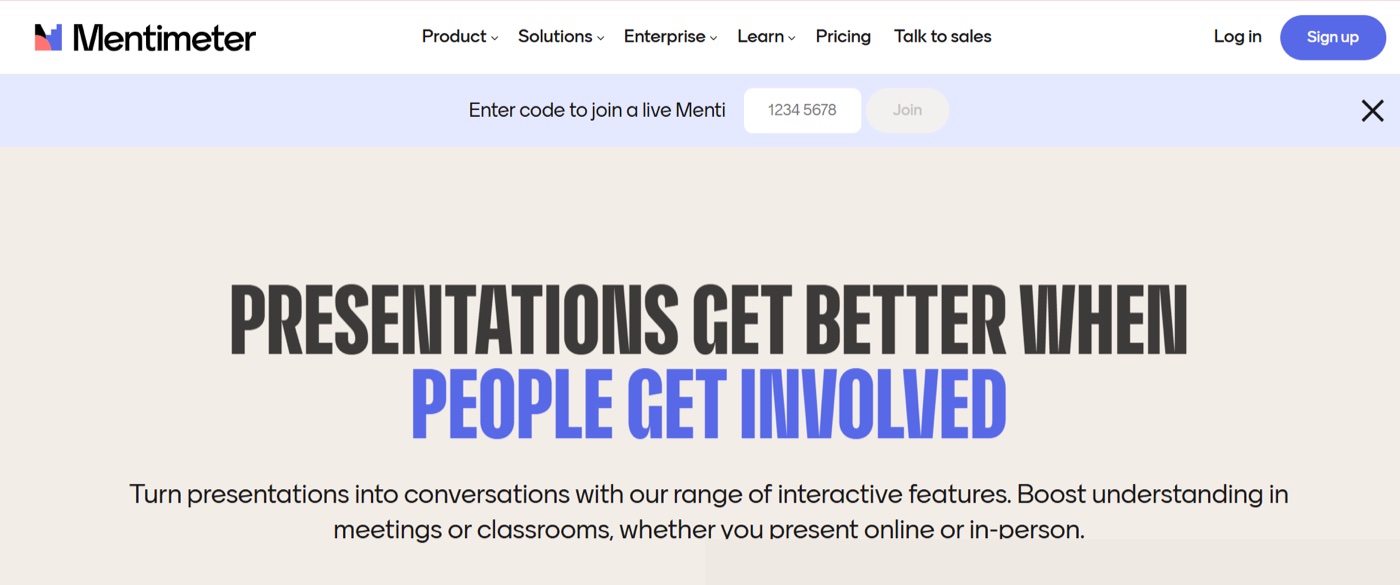
Mentimeter is an interactive presentation tool from Sweden. Its free plan includes 50 participants per month, plus one session a month with no participant cap.
The Basic plan removes that cap and adds the ability to import existing PowerPoint and PDF slides. Paid plans are billed annually.
What stands out
Mentimeter has a broad selection of slide types, and Menti AI is included on the free plan. Basic adds slide import and Excel or PDF exports; Pro adds shared team workspaces and custom branding.
Pricing and limits
The free-plan allowance is shared across sessions for the month and resets on the day you signed up. Basic and Pro are priced per presenter and billed annually. Mentimeter's FAQ confirms that a one-month plan isn't offered, and prices vary by region and currency.
One thing to consider
If you present every week, the 50-participant monthly allowance runs out quickly. Per-presenter pricing also matters when several people on a team need their own accounts.
Our Slideasy vs Mentimeter comparison looks at how the tools compare for large audiences.
3. AhaSlides: best for small budgets and one-off events
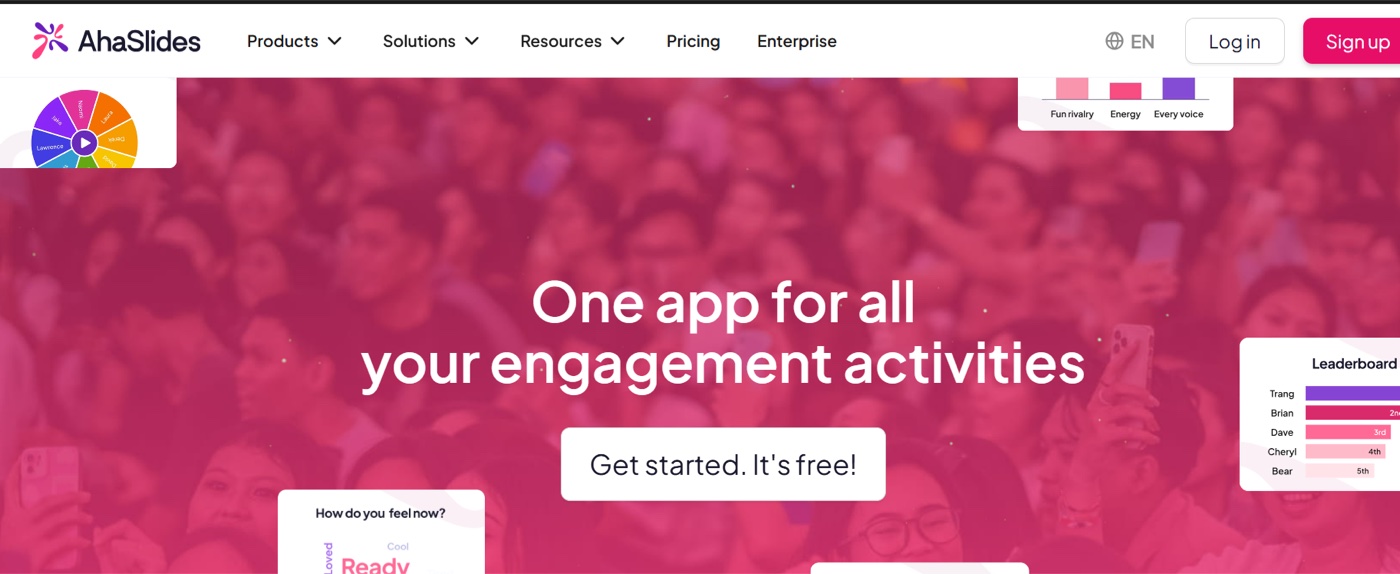
AhaSlides brings polls, quizzes, word clouds, and Q&A into an interactive slide deck. Its free plan includes 50 participants, with up to five quiz slides and three poll slides per presentation. Paid plans start at $7.95 per month with annual billing; monthly plans and a pass for a single event are also available.
What stands out
AhaSlides gives presenters several ways to pay. Its one-time plan stays active for 24 hours once eight people join, which suits a single workshop or party. The platform also includes activities such as a spinner wheel and ranking questions, plus AI features on the free plan.
Pricing and limits
The free plan covers 50 participants. Paid plans start at $7.95 per month with annual billing, while monthly billing costs more. Participant caps depend on the tier, so check the AhaSlides pricing page before settling on a plan.
One thing to consider
Once an event reaches its plan's participant cap, additional people won't be able to join. If attendance is likely to grow, choose a plan with enough room before the day itself.
Our Slideasy vs AhaSlides comparison looks at the differences in more detail.
4. Poll Everywhere: best for classes and talks under 700 people
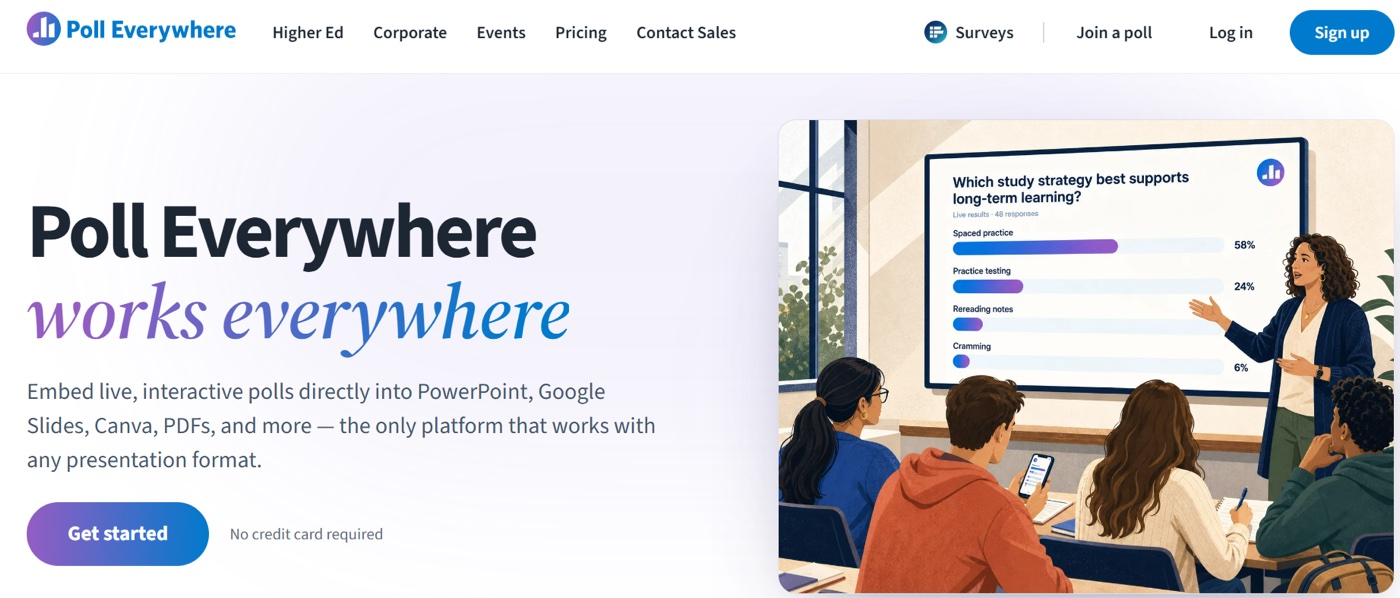
Poll Everywhere is an established audience-response tool used in higher education and corporate training. Its free plan includes 40 audience members, with a temporary limit of 700 during the first 30 days. The Present plan costs $10 per month when billed annually and supports up to 700 people.
What stands out
Every question type is available across its plans, and data exports are included even on the free plan. Higher tiers add features such as attendance tracking and archived results.
Pricing and limits
According to the Poll Everywhere plans page, the free Intro plan includes 40 participants and 10 AI prompts per month. Present costs $10 per month on annual billing ($120 per year). Engage is $49 per month and Teams is $84 per month on annual billing; both also offer monthly payment.
Every plan below Enterprise has a 700-person audience cap.
One thing to consider
Groups larger than 700 need a custom Enterprise plan. For a typical university lecture with a few hundred students, that limit is often enough. At a large conference, it could become a deciding factor.
Our Slideasy vs Poll Everywhere comparison explains how the two handle bigger audiences.
5. Kahoot! 360: best for game-style quizzes and training
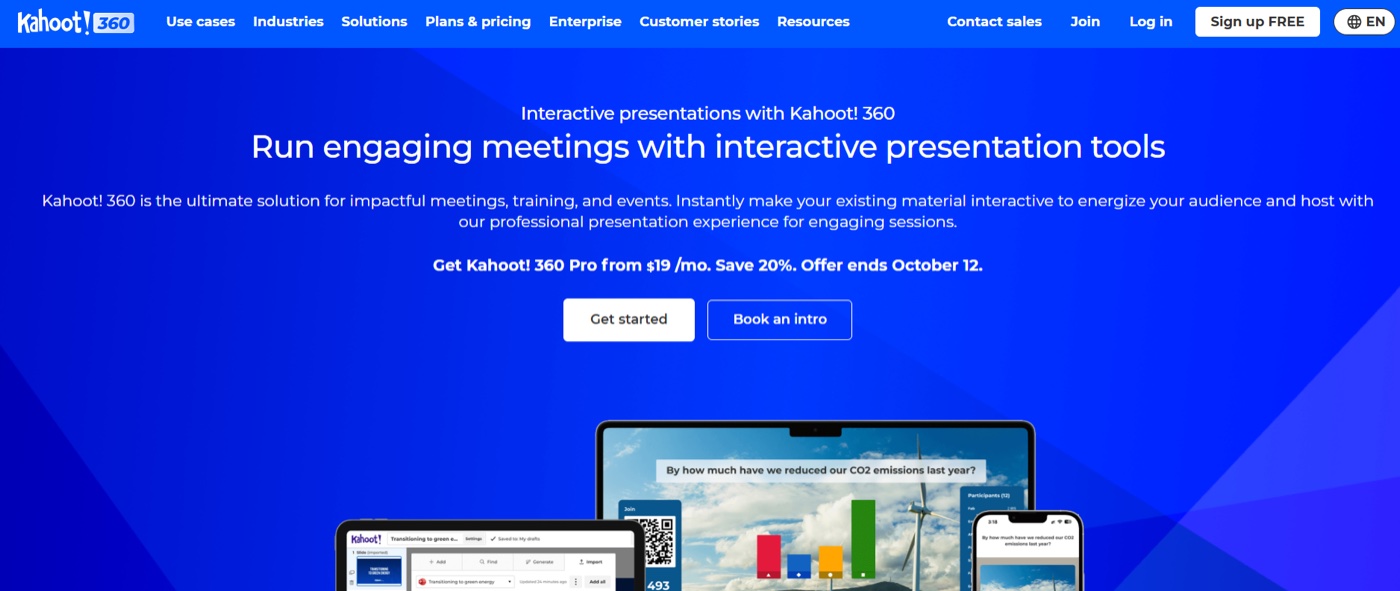
Kahoot! turns questions into games, complete with points and leaderboards. For business use, the free Kahoot! 360 Express plan supports 15 participants in sessions of up to 15 minutes. Pro Start costs $19 per month on annual billing and supports 50 participants.
Word clouds and Q&A start on the next plan up.
What stands out
For bringing some energy to a knowledge check, the classic Kahoot! quiz format is hard to beat. Team mode and a large library of ready-made quizzes suit onboarding and compliance training. Kahoot! also offers event plans that last 30 days, starting at $199 for up to 200 people.
Pricing and limits
On the Kahoot! 360 business pricing page, Pro Start costs $19 per month, or $228 billed annually, for up to 50 participants and includes polls and quizzes. Pro Standard raises the cap to 200 and adds word clouds and live Q&A. It was listed at $25 per month, discounted from $29, when checked. School plans are priced separately.
One thing to consider
External events, including public webinars and conferences, require a plan with commercial rights, which starts at the top tier. And the game format isn't right for every room.
A quiz competition brings energy to training; a board update probably doesn't need a leaderboard. Our Slideasy vs Kahoot comparison explains when each approach makes sense.
Which Slido alternative is right for you?
Start with the size of your audience and how often you present. Then match those needs to a tool's limits and billing model.
| If you... | Try |
|---|---|
| Present to audiences that could exceed 100 people, or whose size is hard to predict | Slideasy |
| Run weekly team meetings or retros and want anonymous input | Slideasy |
| Present only during a few months of the year | Slideasy (monthly) or AhaSlides (24-hour pass) |
| Present every week and import existing slide decks | Mentimeter |
| Teach classes of up to 700 students | Poll Everywhere |
| Run scored quiz games for training | Kahoot! 360 |
For team meetings and retros: Regular meetings need quick, honest input more than game mechanics. A team retrospective with anonymous answers gives people space to say what didn't work without putting anyone on the spot.
For classrooms and training: A knowledge check doesn't need to become a competition every time. A few multiple-choice questions with live results show which topics have landed and which need another pass.
When a little competition fits the lesson, a live quiz answered on students' own phones keeps the session lively without extra setup.
For company-wide sessions: Participant caps matter when the guest list keeps changing. Planning an all-hands meeting people actually take part in is simpler when a bigger turnout doesn't automatically mean upgrading the plan.
How to switch from Slido without risking your next session
Try the new tool on a small, low-stakes session before using it for a major event. These five steps cover the basics.
- List the question types you use. Look back at your last two or three Slido events and note which activities actually made it into the session.
- Rebuild the key questions. Start with your three most important questions on the free plan. Our collection of live polling ideas sorted by session type offers a few prompts if you need inspiration.
- Test joining on your phone. Turn off Wi-Fi and use mobile data to see the experience your audience gets.
- Run a small trial. A team stand-up or a short training icebreaker is a low-pressure way to test the flow.
- Show the QR code and link. On the day, display both. Some people will scan; others prefer to type the address.
After the session, send an online survey for post-event feedback while the experience is still fresh.
Frequently asked questions
What is the best alternative to Slido?
It depends on your audience size and how often you present. Slideasy suits presenters who want unlimited participants on every plan and monthly billing. Mentimeter works well for frequent presenters who import slides, AhaSlides offers flexible options for smaller budgets, Poll Everywhere suits groups under 700, and Kahoot! is built for quiz games.
Is there a free Slido alternative with unlimited participants?
Yes. Slideasy's free plan has no participant cap and includes three interactive slides and unlimited presentations. You don't need a credit card to start, and people join in a browser using a link or QR code.
Which Slido alternative offers monthly billing?
Slideasy Premium costs $9.99 per month and is cancellable at any time. AhaSlides also has monthly plans, while Poll Everywhere offers monthly billing on Engage and Teams. Mentimeter's paid plans and Slido's subscriptions are annual; Slido also sells one-time event plans.
Do participants need an app to join Slideasy?
No. People join from a phone or laptop browser with a link, QR code, or presentation code. Nothing needs to be downloaded, and participants don't need to create an account.
Does Slideasy work in Zoom or Microsoft Teams calls?
Yes. Open the Slideasy presentation in a browser tab and share your screen in Zoom, Microsoft Teams, or another video call. Participants join from their own devices, and the results update live.
Which Slido alternative is best for teachers?
Slideasy suits large classes and school assemblies because it has no participant cap. Kahoot! is a good fit for game-style quiz sessions, while Poll Everywhere suits lecture halls with up to 700 students.
Is anonymous Q&A available without Slido?
Yes. With Slideasy Q&A, participants submit questions anonymously and upvote the ones they most want answered. Popular questions rise to the top, giving the presenter a clearer view of what the room wants to discuss.
Final thoughts
Live polling has become a familiar part of meetings, classes, and events. The tool should fit the audience and the session, not dictate how many people get to take part or make you pay for months when you aren't presenting.
Choose the plan that suits your calendar and your crowd. If you often have large or unpredictable audiences, try a session on Slideasy for free. There's no participant cap, and no credit card required to get started.