Most post-event surveys are sent too late and ask too much. By the time the email lands, attendees are back at work and the event has blurred into the rest of the week. Then they open a 25-question form full of rating grids on their phone, which is easy to close and forget. The few who finish tend to be the people who loved the event or disliked it, so the results say very little about everyone in between.
A shorter survey, asked at the right moment, fixes most of this. Below are eight post-event survey questions that work as one complete survey, each with its best answer format and what it tells you. After that, we cover the habits that get more people to finish. This guide covers online surveys that people answer on a phone or laptop through a link or QR code, for virtual and in-person events alike.
What should you ask in a post-event survey?
A good post-event survey asks people to rate the event and say whether it matched their expectations. It then asks which content helped most, whether the level was right, what got in the way, how much they could take part, whether they would recommend it, and one thing to change. Eight questions are enough.
- Overall, how would you rate this event?
- How did the event compare to what you expected when you signed up?
- Which session was most useful to you?
- Was the content at the right level for you?
- Did anything make the event harder to attend or follow?
- Did you get enough chances to ask questions or connect with other attendees?
- How likely are you to recommend this event to a friend or colleague?
- What is one thing we should change for next time?
Why these eight work as one survey
The survey opens with a single tap, so people feel it will be quick. Questions that need more thought sit in the middle, and typing comes last.
SurveyMonkey timed responses across about 100,000 surveys and found that people spend the most time on the first question, around 75 seconds including the intro. A 10-question survey took about five minutes in total. In an older analysis of another 100,000 surveys, the company found that drop-off climbed fastest with each question added, up to about 15 questions. Eight questions, mostly taps, sits well inside that range.
Each question also asks about one thing only. If a question contains "and," people answer two things with one rating, and you can't tell which part they meant.
8 post-event survey questions to copy
1. "Overall, how would you rate this event?"
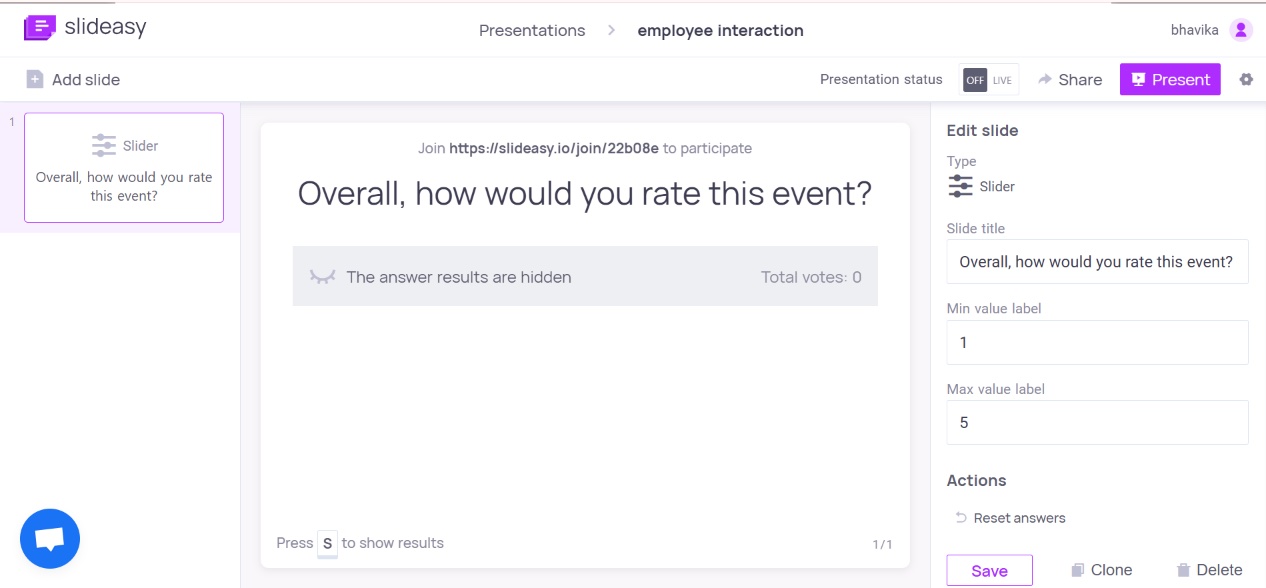
Format: A 1 to 5 rating scale with labeled ends (1 = Poor, 5 = Excellent).
This is your baseline score and an easy opener that takes one tap. Keep the wording the same at every event.
A low average can't tell you what went wrong on its own. When it drops, start by reading the question 8 answers from people who gave a 1 or 2. If you collect it live, a rating scale in Slideasy shows the average on screen as answers come in, so the speaker gets a quick read before the session ends.
2. "How did the event compare to what you expected when you signed up?"
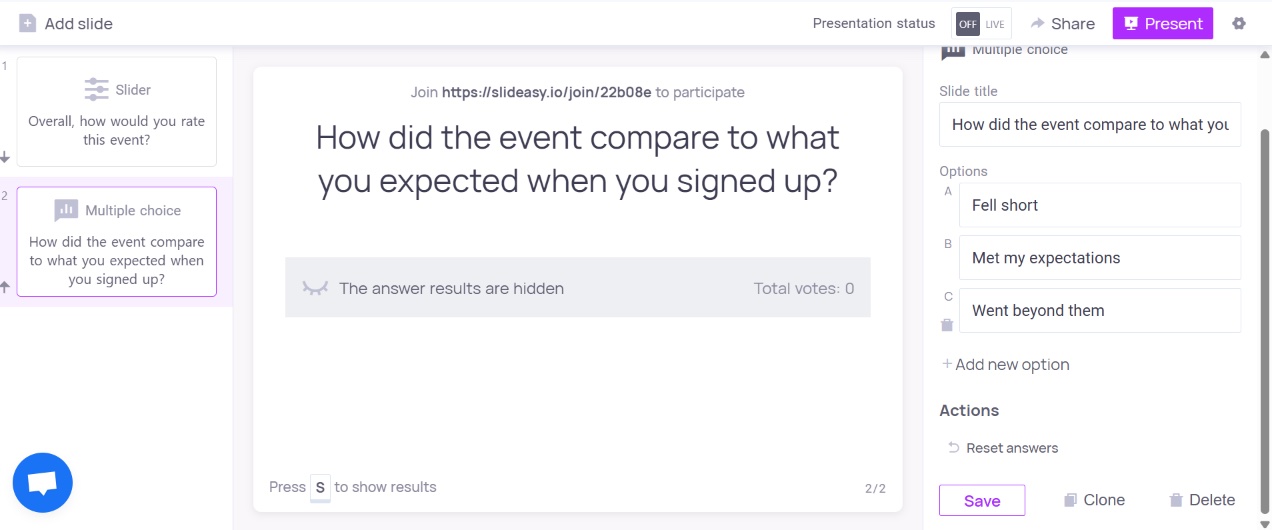
Format: Multiple choice: Fell short / Met my expectations / Went beyond them.
This checks whether your promotion matched what you delivered. A high overall rating paired with "Fell short" often means people enjoyed the event but had signed up for something different.
When that happens, review the event page and invite email before you change the program itself. A plain choice beats a 1 to 10 scale here, because it shows which way the event missed.
3. "Which session was most useful to you?"
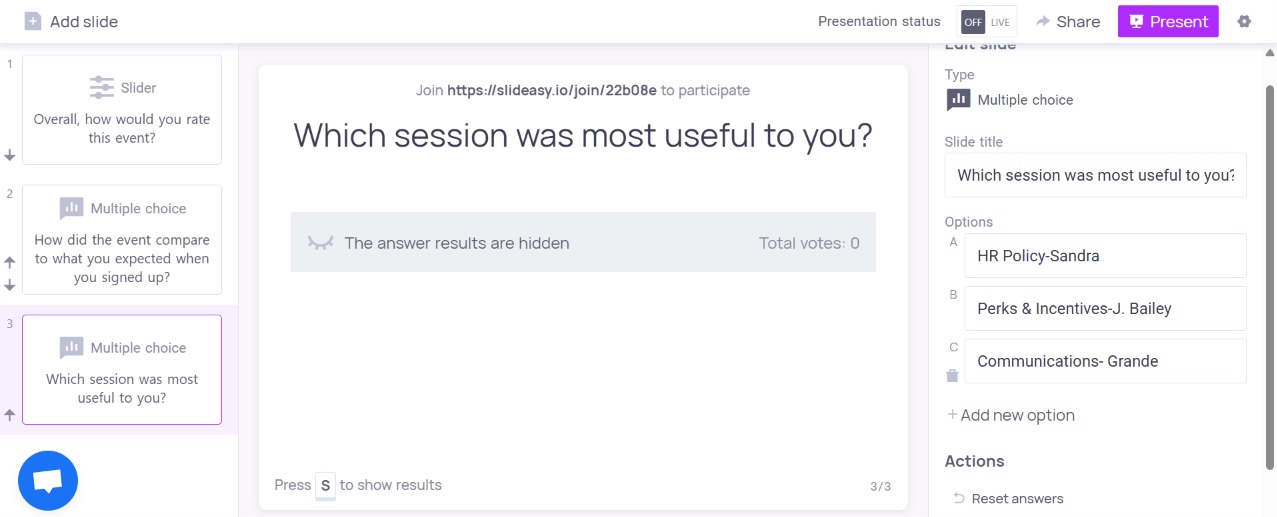
Format: Multiple choice listing each session with the speaker's name, plus "None stood out."
This covers your speakers and content without making people rate every talk. One pick per person gives you a clear ranking of what to bring back, and it keeps the survey off a grid. Pew Research Center warns that grids cause problems for smartphone respondents, from wrong taps to people quitting the survey.
If many people pick "None stood out," look at the topics before you blame the speakers. For detailed speaker scores, send a short separate survey to that session's attendees. If you ask this in the room, a multiple choice question shows the results on screen as votes come in.
4. "Was the content at the right level for you?"
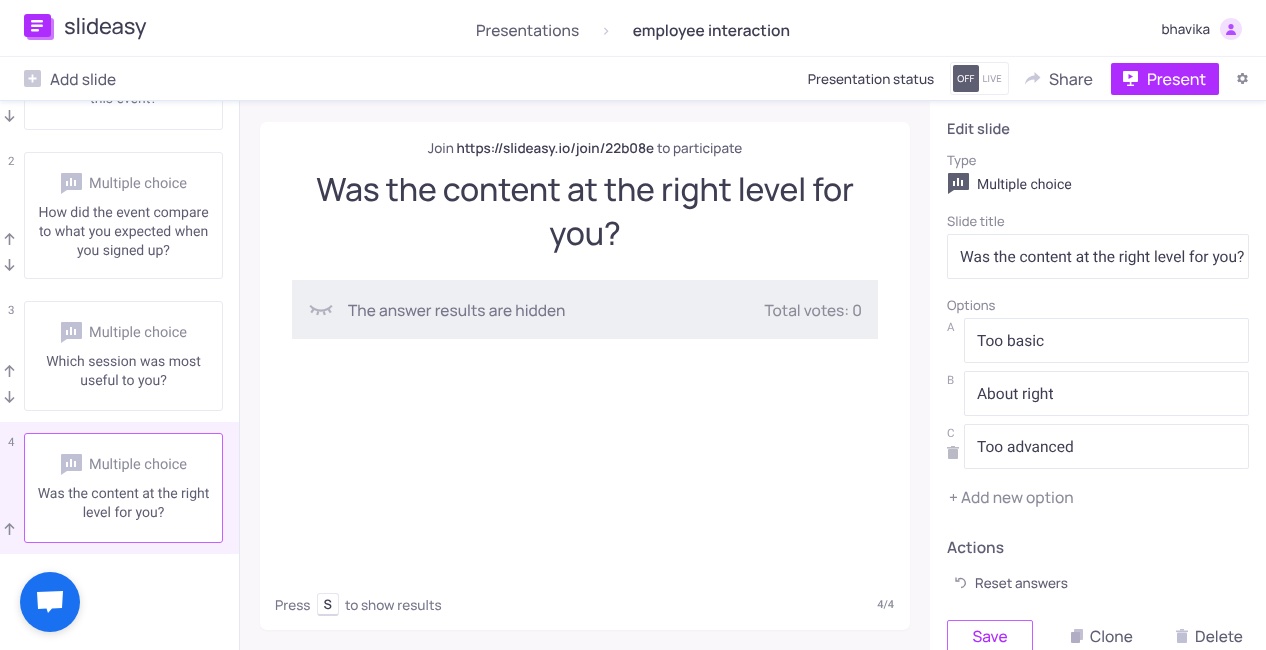
Format: Multiple choice: Too basic / About right / Too advanced.
This question leads straight to a planning decision. If most people say "Too basic," your speakers are covering ground the audience already knows. If most say "Too advanced," you need more context at the start of each session.
A split, with large groups at both ends, means your audience has a wide range of experience. Label sessions by level in the agenda, or run separate beginner and advanced tracks.
5. "Did anything make the event harder to attend or follow?"
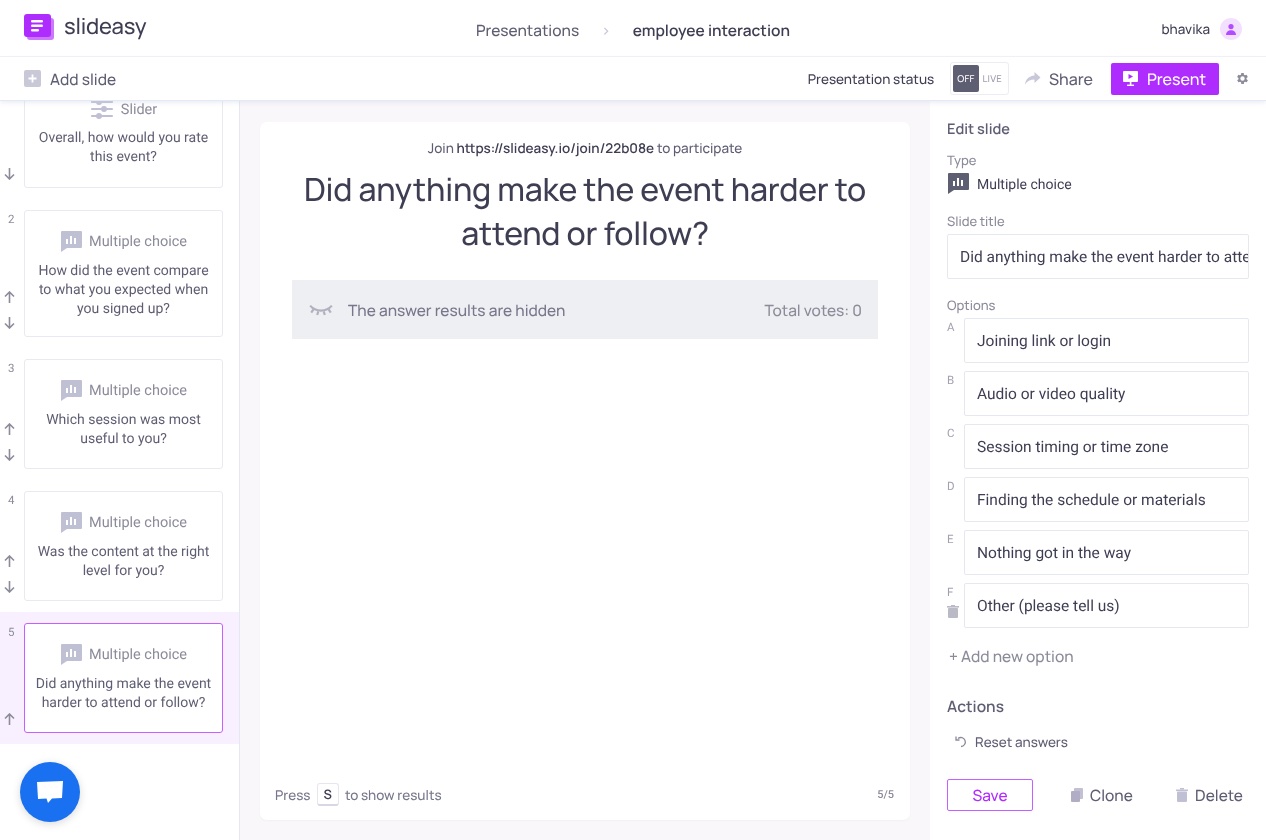
Format: Checkboxes, choose all that apply:
- Joining link or login
- Audio or video quality
- Session timing or time zone
- Finding the schedule or materials
- Nothing got in the way
- Other (please tell us)
"Rate the organization from 1 to 5" tells you something was off without saying what. Checkboxes give you a to-do list ranked by how many people hit each problem, so start with the most-checked item.
If your survey tool supports skip logic, show a text box only when someone picks "Other." For in-person events where people scan a QR code, swap in options like check-in and finding the right room.
6. "Did you get enough chances to ask questions or connect with other attendees?"
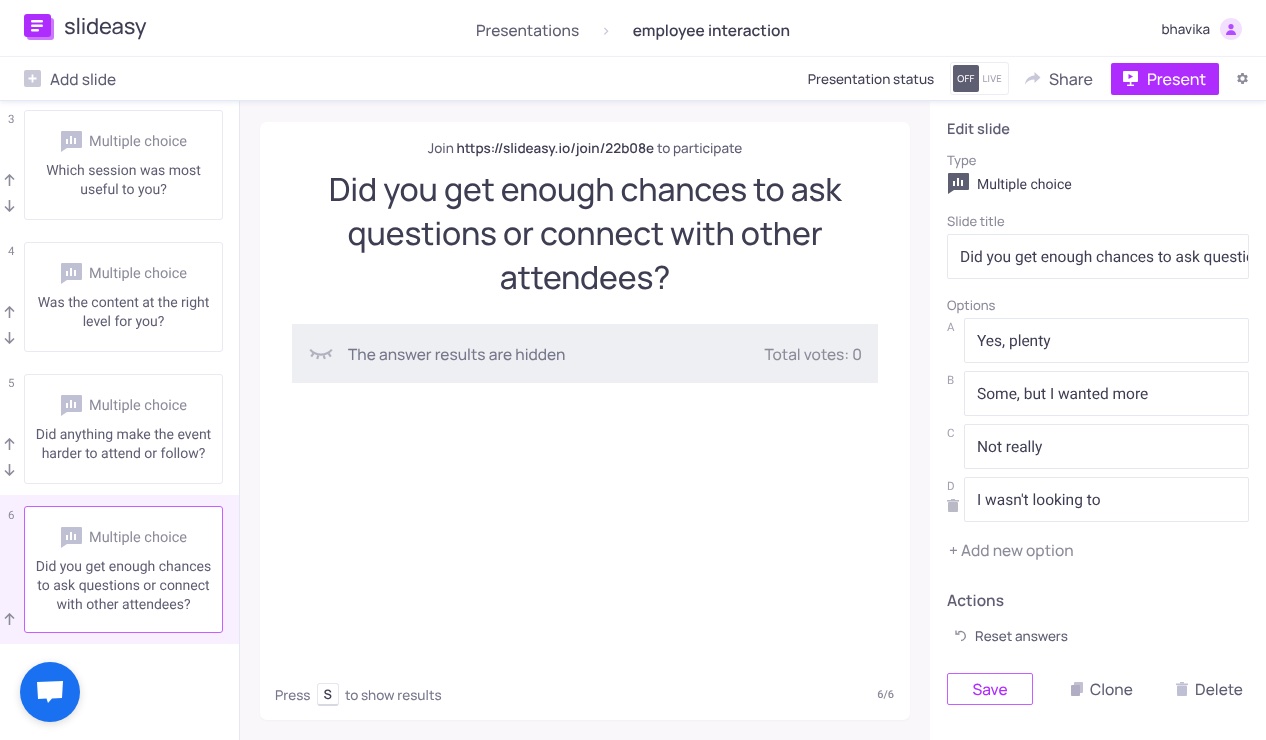
Format: Multiple choice: Yes, plenty / Some, but I wanted more / Not really / I wasn't looking to.
This shows whether your interaction and networking formats worked. The last option matters, because people who came only to listen would otherwise drag the result down.
If "Some, but I wanted more" is common, build interaction into the sessions themselves. Live Q&A with upvoting lets attendees post questions from their phones and vote on the ones they want answered, so the speaker spends the time on what most people care about. Quick polls between talks help too.
7. "How likely are you to recommend this event to a friend or colleague?"
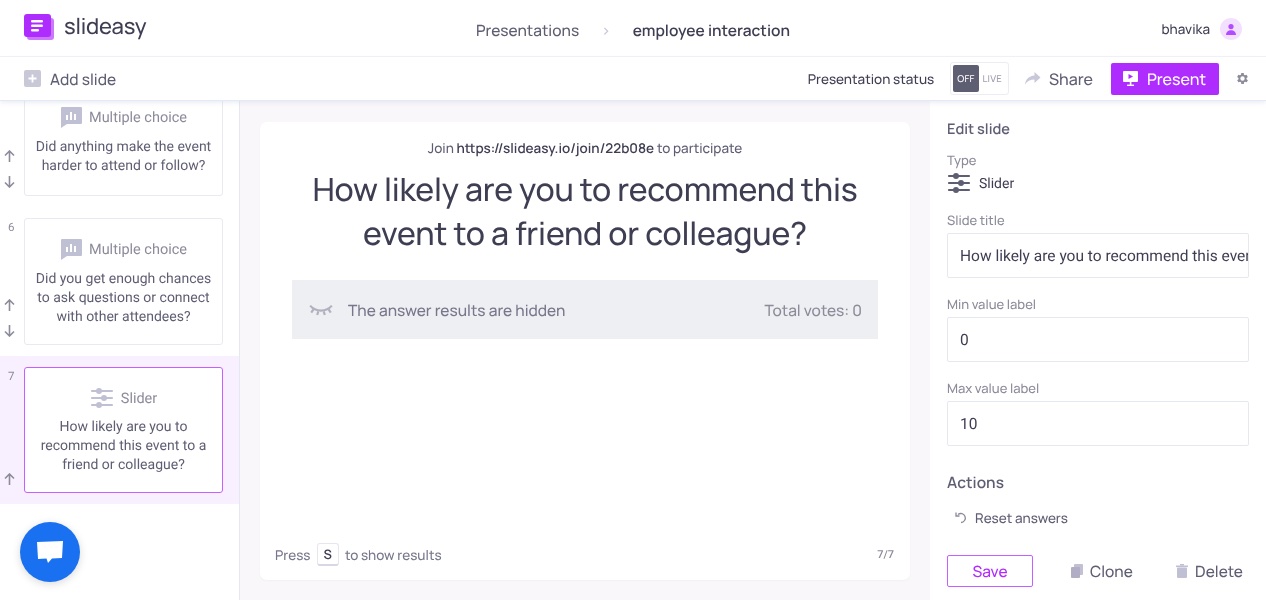
Format: A 0 to 10 scale, shown as a row of numbers people tap.
This is the Net Promoter Score (NPS) question. It shows whether attendees will help your next event grow by word of mouth. To get the score, subtract the percentage who answered 0 to 6 from the percentage who answered 9 or 10.
If the score is low, compare the low scorers' answers to question 5. Logistics problems can pull recommendation scores down even when the content is good.
Pick this or "How likely are you to attend our next event?" since both measure nearly the same thing. Use "attend again" for internal events, like monthly team training, where referrals don't matter.
8. "What is one thing we should change for next time?"
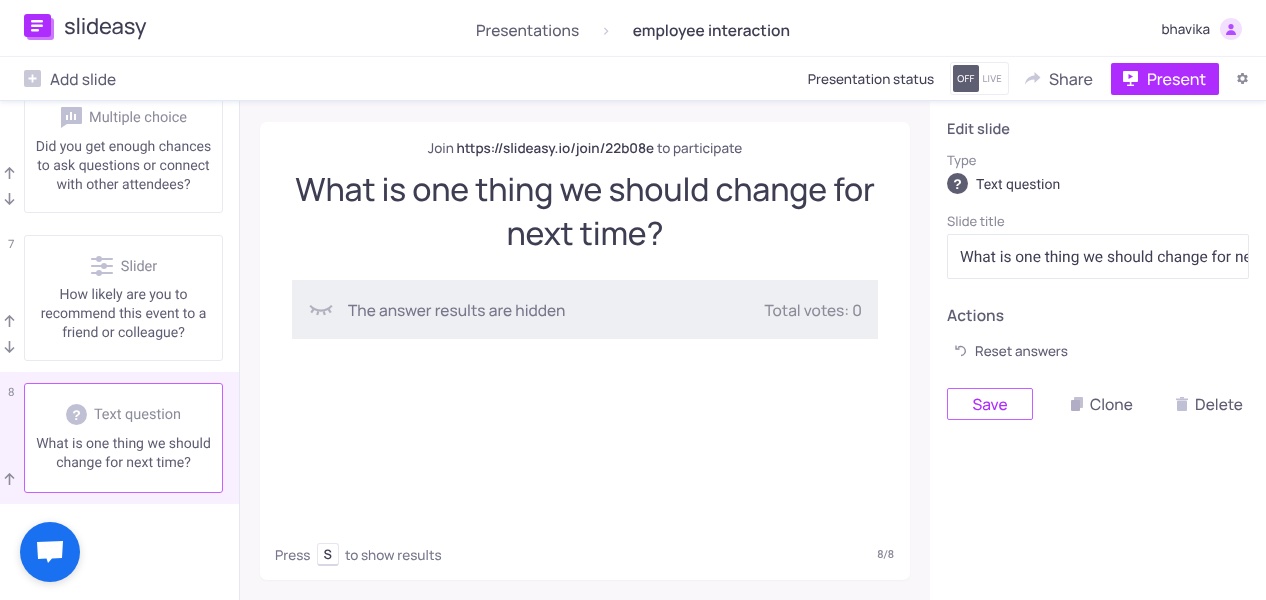
Format: Open text box, optional.
This is the only question that asks people to type. "One thing" is easier to answer than "Any other comments?" and it gets more specific replies. Expect fewer answers here than elsewhere. The replies you do get often explain the numbers.
If you are running a live session, a word cloud that asks "Describe today in one word" gives you a quick read of the room at the last minute. Use it alongside this question, since one word can't tell you what to fix.
Quick reference
| Question | Best format | What it tells you |
|---|---|---|
| 1. Overall rating | 1 to 5 scale | Your baseline score across events |
| 2. Compared to expectations | Multiple choice | Whether promotion matched delivery |
| 3. Most useful session | Multiple choice | Which sessions and speakers to bring back |
| 4. Content level | Multiple choice | Whether you pitched it to the right audience |
| 5. What got in the way | Checkboxes | Which logistics problems to fix first |
| 6. Questions and networking | Multiple choice | Whether people could take part |
| 7. Likely to recommend | 0 to 10 scale (NPS) | Word-of-mouth potential |
| 8. One thing to change | Open text | The reasons behind your scores |
How to get more people to finish your post-event survey
Good questions only help if people answer them. These habits have the clearest support.
Keep it short, and say how long it takes
Time the survey on your own phone, then put an honest estimate in the invite, such as "This takes about 3 minutes." Explori, a company that runs event surveys, warns that attendees get frustrated when a survey promised as short drags on.
Ask before people leave the session
For online events, ask in the last five minutes, while attendees still have the session open. Put the survey link and a QR code on screen and tell people it takes about three minutes. Then give them time to answer. Once a webinar ends, many attendees close the tab and move on.
This is where an online survey fits. Attendees join from any browser using a link or QR code. They don't need an app or an account, and you decide when responses open and close.
Afterward, send the same survey link to anyone who left early. Survey and event platforms such as Typeform and Eventbrite advise sending it within 24 hours, while the event is still fresh. Treat that as common advice rather than a tested rule.
Design for a phone first
Pew Research Center's tips for mobile web surveys are simple. Don't ask for a login or access code, because it forces people to switch between their email and their browser. Avoid grids. Pew also notes that drag sliders need fine finger control, which is why questions 1 and 7 use numbers people tap. Whatever tool you use, preview the survey on your own phone before the event.
Write questions people can understand in one read
Compare these two versions:
- Before: "How satisfied were you with the content and speakers at today's event?"
- After: "Which session was most useful to you?"
The first asks about two things at once. The second asks one thing and gives you a result you can act on. Also label both ends of every scale. Cut flattering words like "How much did you enjoy our amazing keynote?" because they push people toward a positive answer. Add a "Doesn't apply" or "I wasn't looking to" option where some people really have no opinion.
Send one reminder, and say it's coming
In a 2008 experiment, Klofstad, Boulianne and Basson found that telling people a reminder would follow raised response rates without hurting the quality of the answers. Add one line to your invite, such as "If we don't hear from you, we'll send one reminder on Thursday."
Keep the reminder plain. A 2024 University of Michigan trial with doctoral students tested extras like calendar invites and showing how many people had already responded. None of them raised the overall response rate. One simple reminder, two or three days after the first send, is enough for most events.
Keep incentives small and useful
Incentives help, but modestly. A meta-analysis by Anja Göritz covering 32 experiments found that material incentives raised the odds of someone starting a web survey by about 19%. In separate tests in online panels, cash prize draws did not reliably raise response at all.
For most events, offer something attendees already want, like the session recording or a summary of what everyone said. Even then, no incentive guarantees answers.
Say clearly whether answers are anonymous
Put this on the first screen. People share criticism more readily when their name isn't attached, because they worry less about how they come across (social desirability bias). Slideasy participants don't need to log in or share their name to take part.
Turn the answers into changes
A short routine turns responses into a better next event:
- Read scores and comments together. Sort the answers to question 8 by the rating each person gave in question 1. Comments from low scorers often point straight to the problem.
- Pick one or two fixes. Start with the most-checked item in question 5.
- Tell attendees what changed. A "You told us, so we changed this" line in your next invite shows that answering was worth it.
- Keep the core wording fixed. Reuse the wording for questions 1, 2 and 7 so results stay comparable.
You can also see how a post-event survey runs, with results that appear as people answer.
Frequently asked questions
How many questions should a post-event survey have?
Aim for about 5 to 10 questions. Eight covers satisfaction, content, logistics and next steps, and most people can finish it in a few minutes. SurveyMonkey's data shows drop-off rises fastest with each added question up to about 15.
When should I send a post-event survey?
Ask in the last few minutes of the session, while people still have it open. Then send the link within a day to anyone who left early, while the event is still fresh.
What is a good response rate for a post-event survey?
There is no universal number. Explori says 10 to 20% is a good result for conferences and corporate events, based on its own clients, and notes that virtual events tend to come in lower. Your own past events are the most useful benchmark.
What is the difference between response rate and completion rate?
Response rate is the share of invited people who answer. Completion rate is the share of people who start the survey and finish it. Long surveys mostly hurt completion.
Should a post-event survey be anonymous?
Usually, yes, because people give more honest criticism when their name isn't attached. If you need contact details, ask an optional last question and explain why.
What should I ask after a webinar or virtual event?
Use the same eight questions, with question 5 adapted to cover joining links and audio or video quality. Ask before the webinar ends, since many attendees leave the moment it's over. Polls and Q&A during the session help keep webinar attendees engaged until then.
Before your next event
Copy these eight questions into your survey tool and time yourself answering them on a phone. Then plan five minutes at the end of your session to collect answers. People who are still in the session are the easiest ones to reach.
If you want to run it live, you can try Slideasy for free without a credit card.